> ## Documentation Index
> Fetch the complete documentation index at: https://docs.matterai.so/llms.txt
> Use this file to discover all available pages before exploring further.
# Axon CLI Agent
> Axon CLI Agent is a command line coding agent powered by Axon Code model
## Get Your API Key
Generate a new API key
## Installation
Axon Code CLI is a fork of [OpenCode CLI](https://github.com/sst/opencode).
You can find Axon Code CLI code here:
[https://github.com/MatterAIOrg/axon-code](https://github.com/MatterAIOrg/axon-code)
To install Axon Code CLI, you can use one of the following methods:
### Quick Install
```bash theme={null}
curl -fsSL https://api.matterai.so/install | bash
```
2. Once you have the API Key, set it in your environment:
```bash theme={null}
export MATTERAI_API_KEY=YOUR_KEY_HERE
```
Keep your API key secure and never commit it to version control.
3. Type `axoncode` in your terminal to get started.
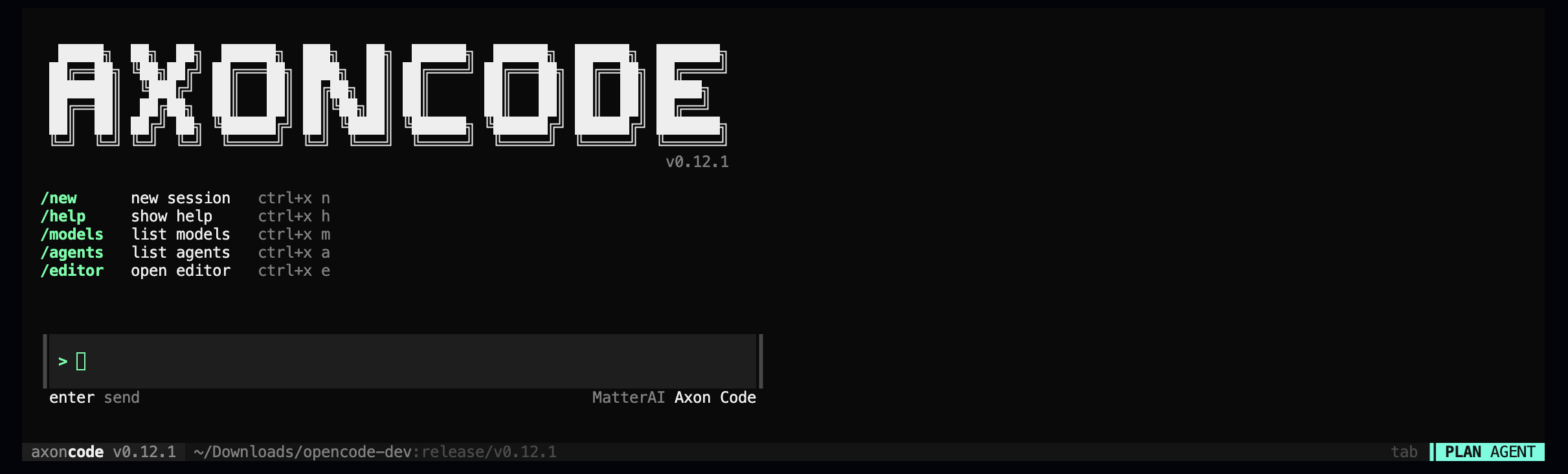 4. Start Coding with Axon Code
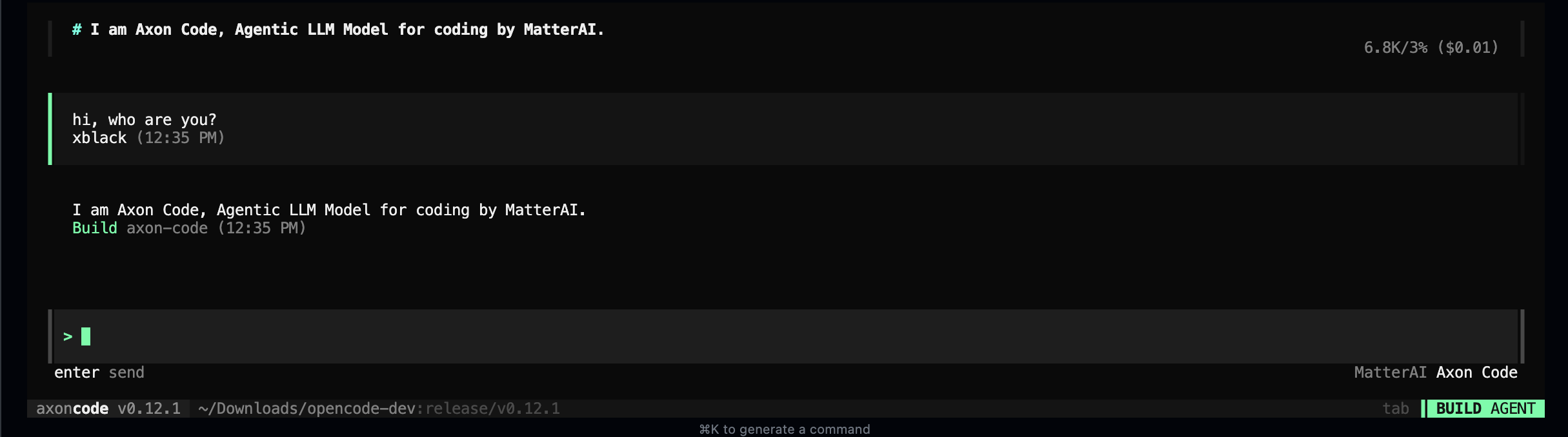 5. You can also start with a prompt with `-p` flag.
```bash theme={null}
axoncode -p "Create a PR"
```
5. You can also start with a prompt with `-p` flag.
```bash theme={null}
axoncode -p "Create a PR"
```