> ## Documentation Index
> Fetch the complete documentation index at: https://docs.matterai.so/llms.txt
> Use this file to discover all available pages before exploring further.
# Install Github App
> Install Github App for CI/CD
## Overview
Installing MatterAI's official Github App enables CI/CD for your services
## Steps
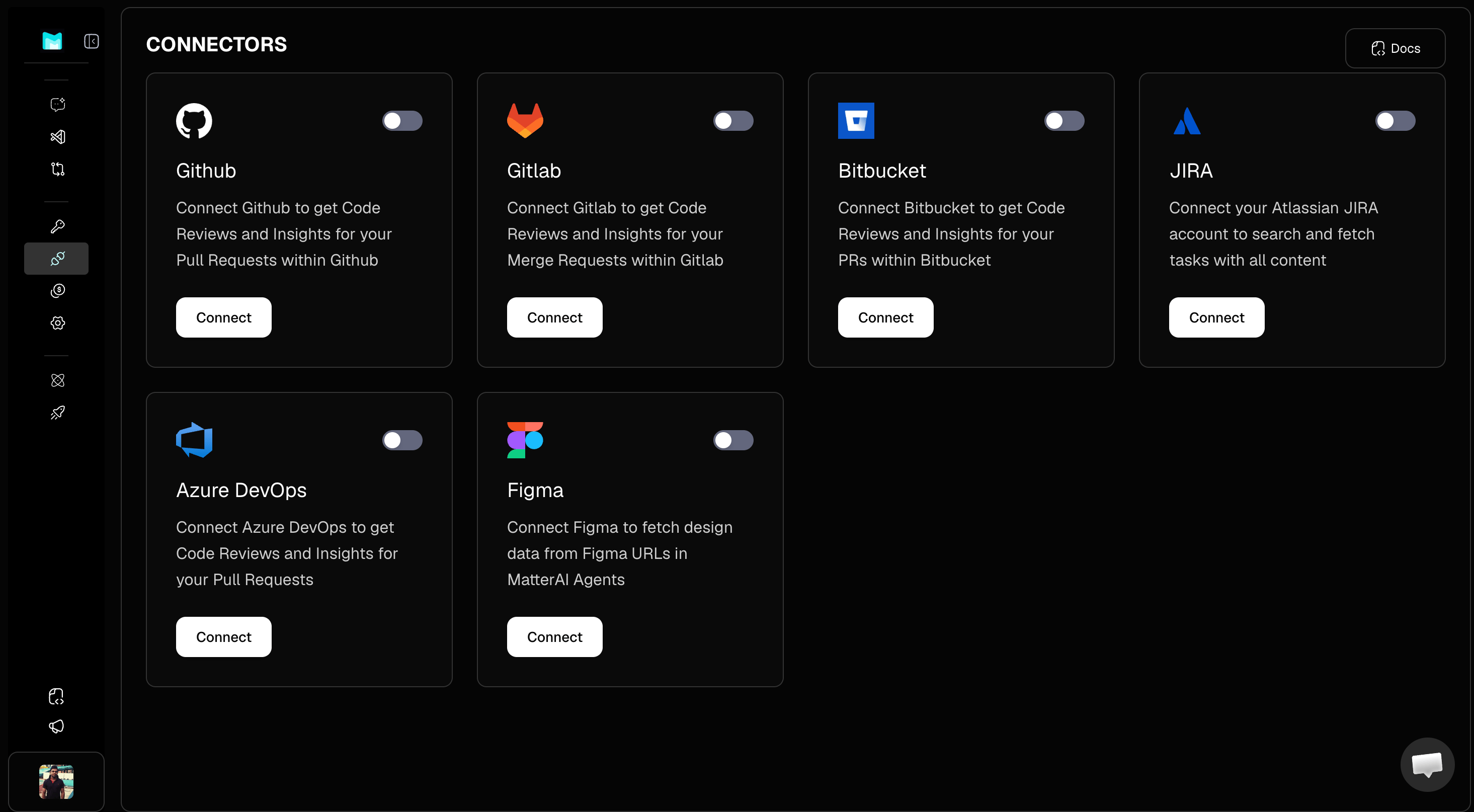
1. Visit [https://app.matterai.so/connectors](https://app.matterai.so/connectors) and then click on Connect under Github.
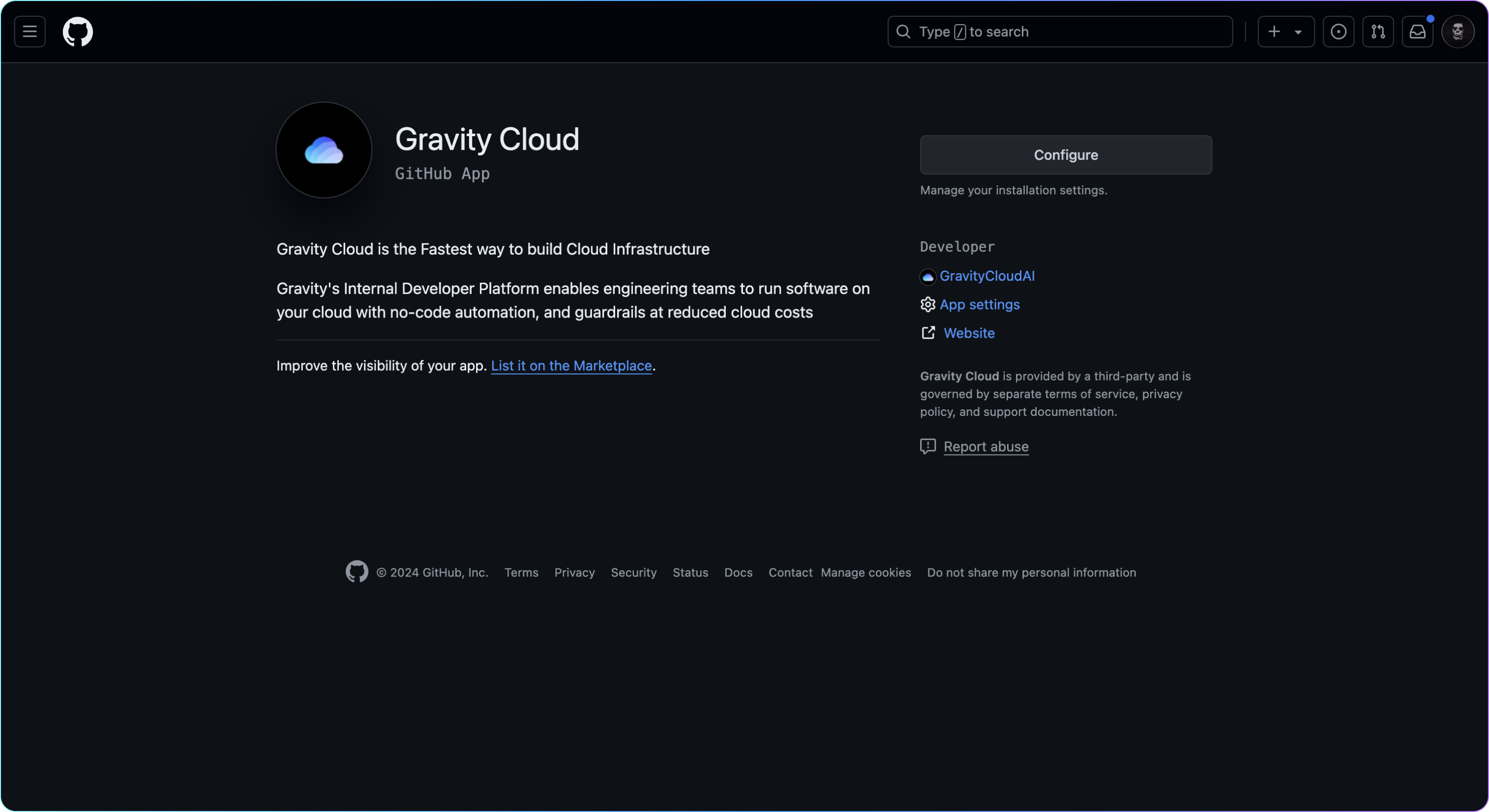
 2. On the Github App page, select `Install` or `Configure`
 3. Select the organisation or specific repository to install the app to. You can update this list later via the same steps.
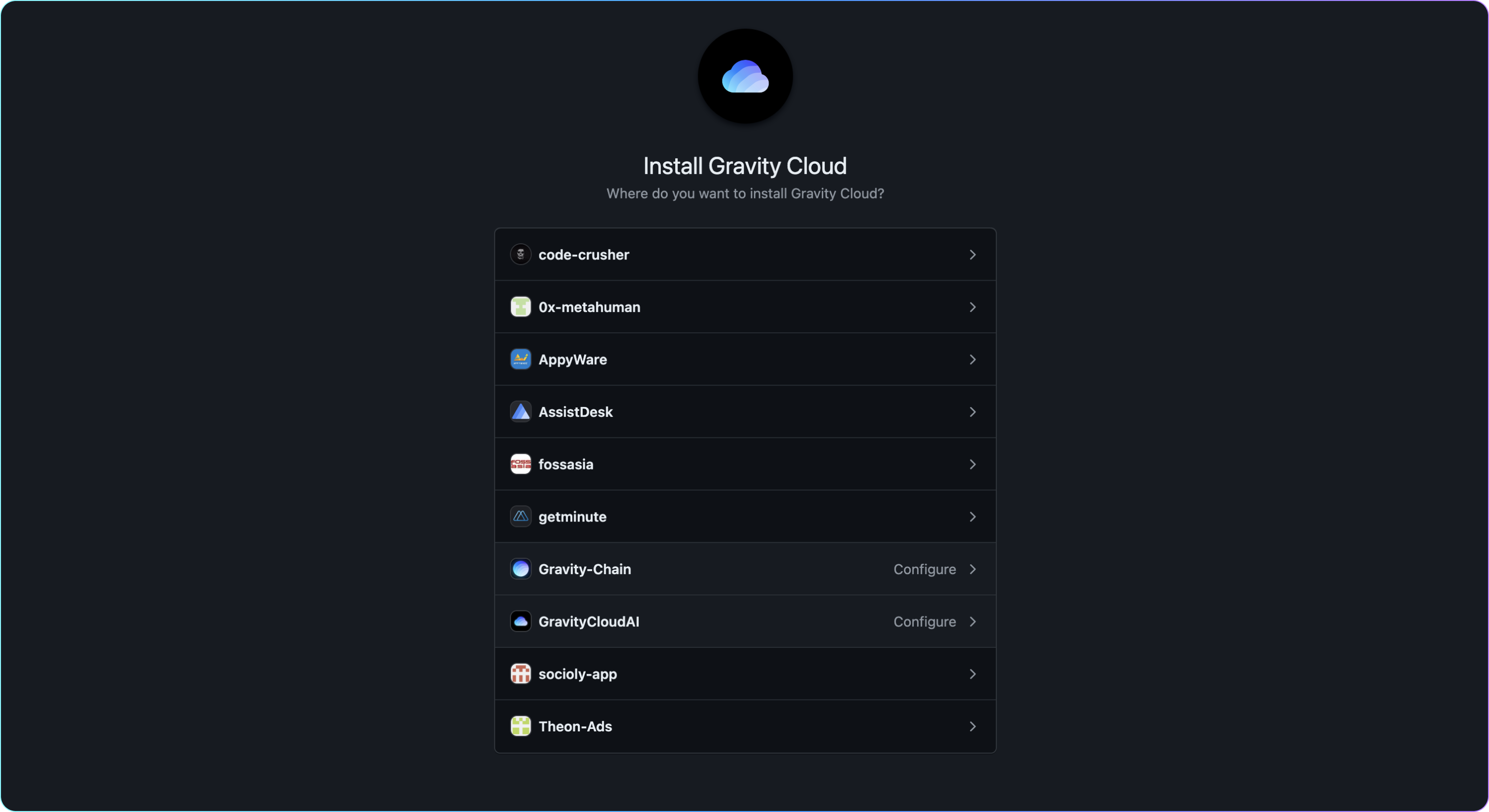 Once installed, MatterAI will pull the list of repositories. MatterAI does not store any code, the code is only fetched for CI/CD runtime and then purged from an isolated VM