

Cline is a VS Code extension that provides AI-powered coding assistance. You can configure it to use Axon’s AI capabilities for enhanced code generation and analysis. To install Cline, follow official documentation here: https://docs.cline.bot/getting-started/installing-clineDocumentation Index
Fetch the complete documentation index at: https://docs.matterai.so/llms.txt
Use this file to discover all available pages before exploring further.
Get API Key
Get API Key
Generate a new API key
Configuration
To integrate Cline with Axon, configure the following settings in Cline’s API Configuration: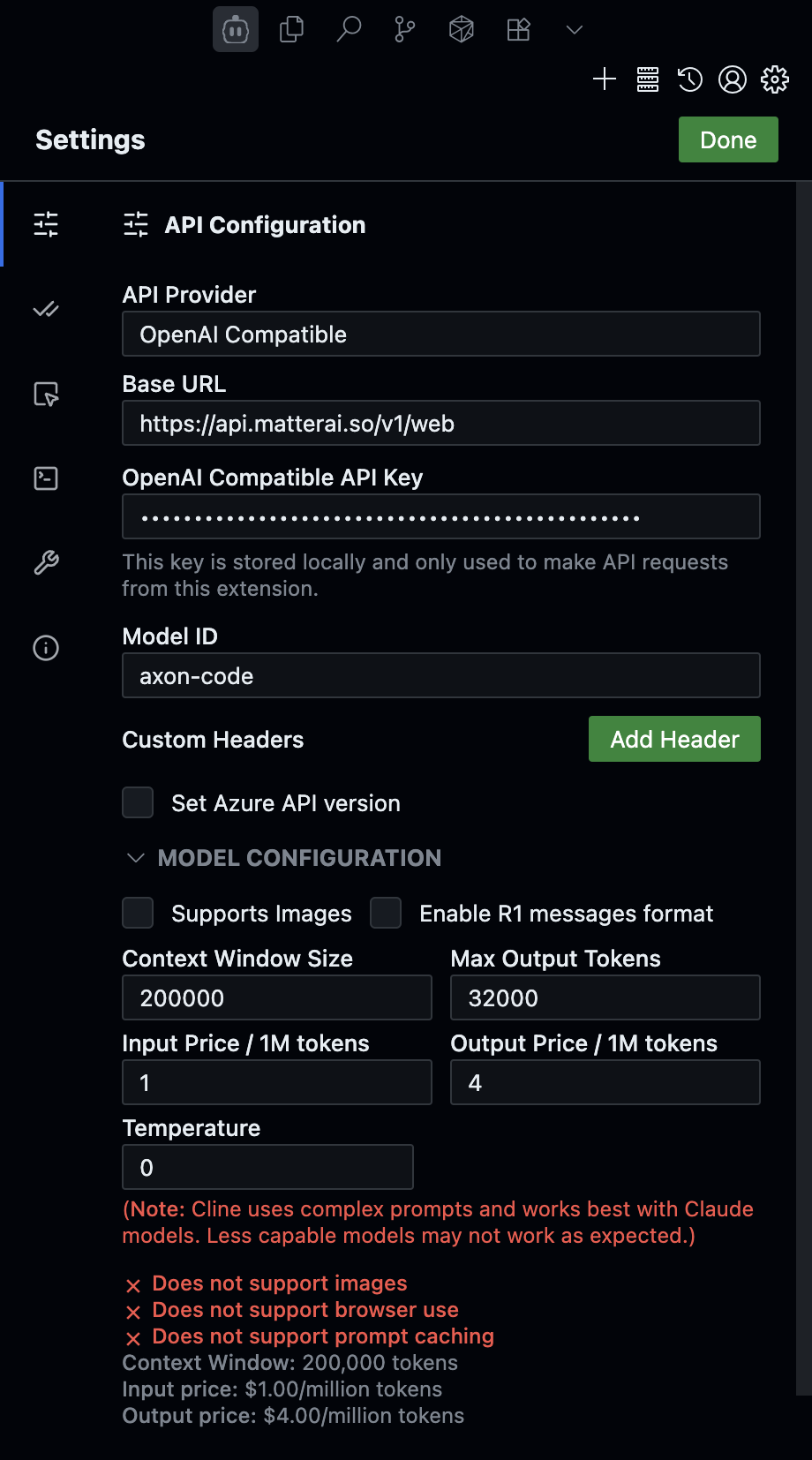
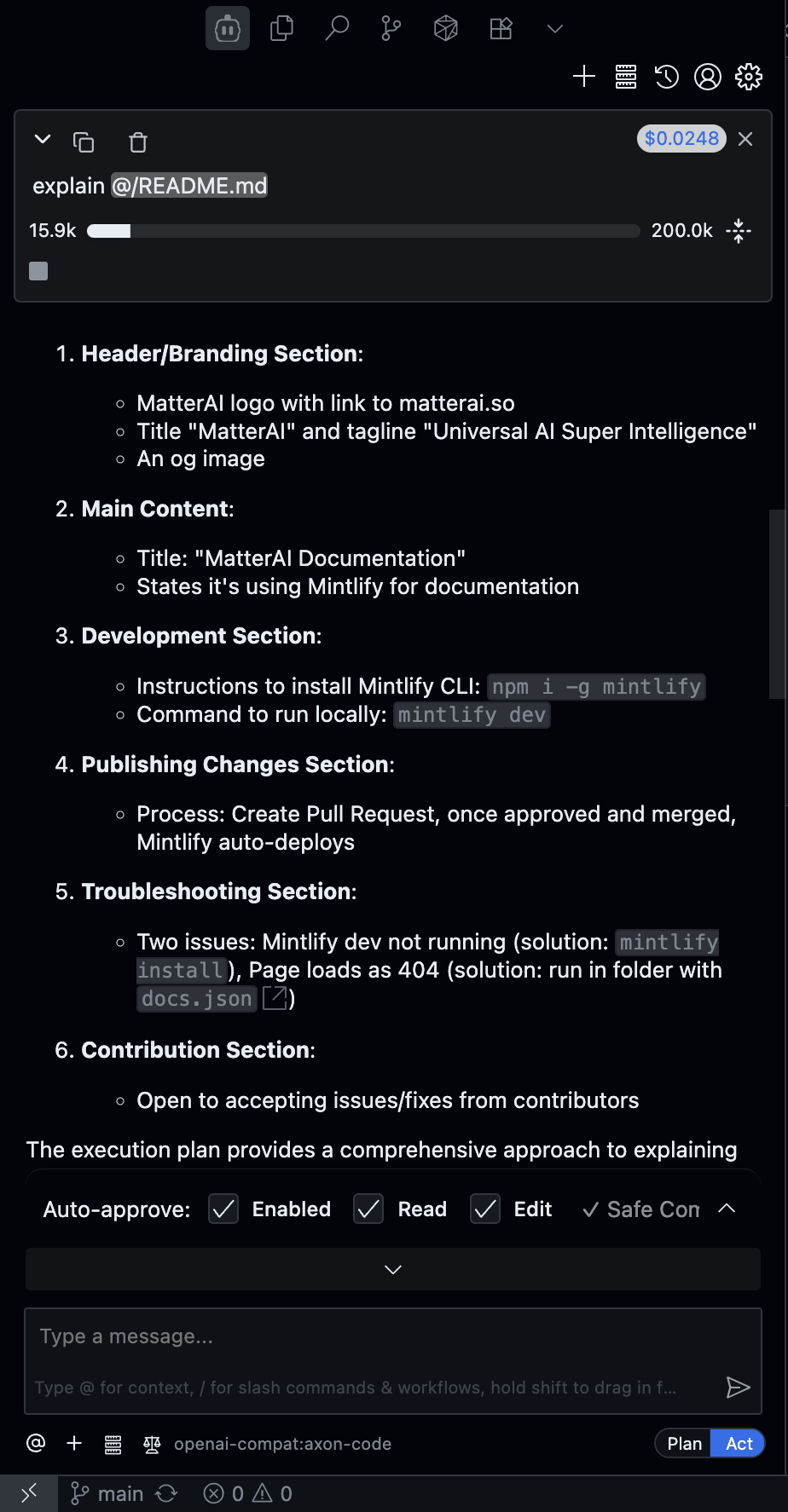
API Provider Settings
- API Provider: OpenAI Compatible
- Base URL:
https://api.matterai.so/v1/web - Model ID:
axon-code
Authentication
- OpenAI Compatible API Key: Your Axon API key
- The key is stored locally and only used for API requests
Model Configuration
- Context Window Size: 200,000 tokens
- Model Name:
axon-code - Max Output Tokens: 32,768
- Input Price: $1/1M tokens
- Output Price: $4/1M tokens
- Temperature: 0